01
Copy here.Paste there.
Copy on the computer, paste on the phone a second later, or the other way round. Text, screenshots, a file: it never touches a server.
Copy something on the laptop.
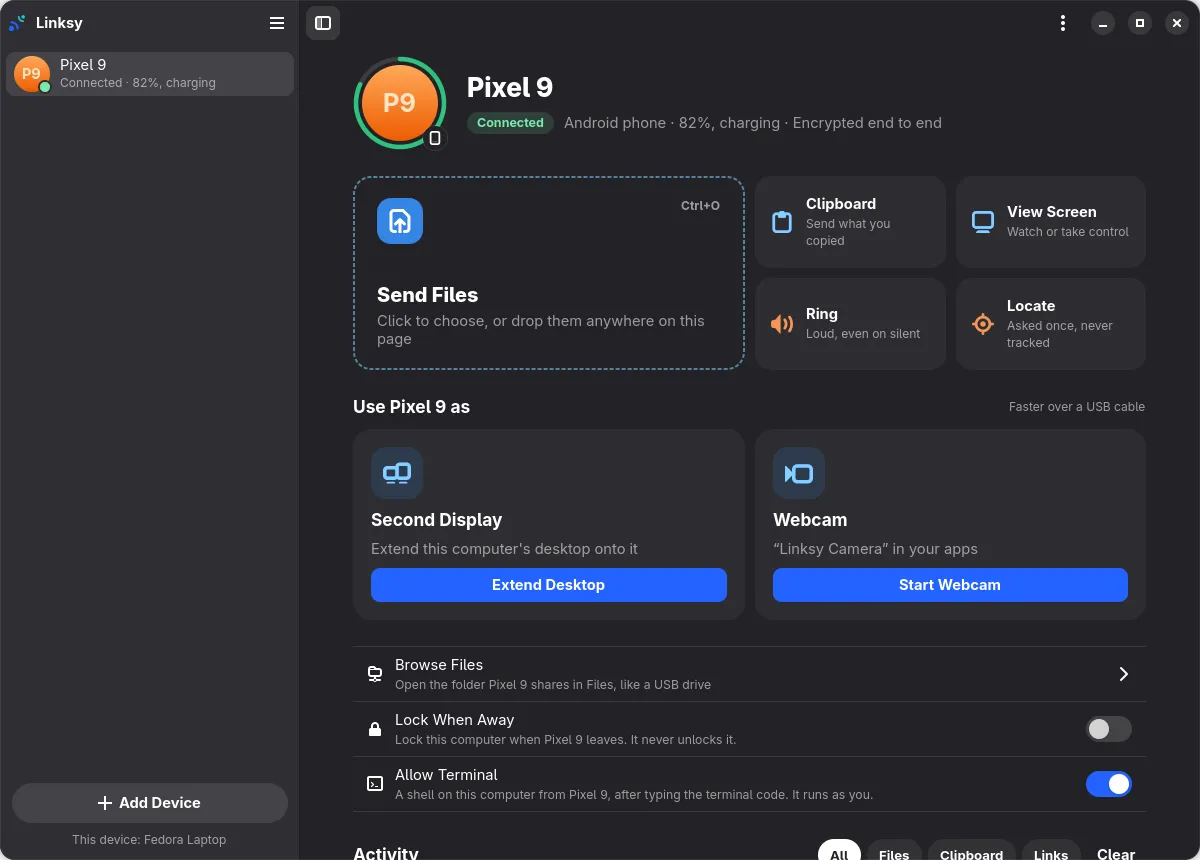
Linksy links your Linux computer and your Android phone, or two Linux computers, straight over your own Wi‑Fi: files, clipboard, photos, screens, a second display and the phone's camera. No account. No cloud.
Linux 0.8.2 · Android · free
Copy on the computer, paste on the phone a second later, or the other way round. Text, screenshots, a file: it never touches a server.
Copy something on the laptop.
Your phone is under a cushion, on silent. Press Ring on the computer and it rings loudly anyway, until you find it.
Pixel 9
Connected · 64% battery
Silent mode
Lost somewhere under the cushions.
When a call comes in, whatever plays on the computer pauses, and picks up again when you hang up. Only what Linksy paused.
No calls.
Turn on Lock When Away for your phone. Leave with it, and the computer locks itself a minute later. It never unlocks on its own.
Working away. Pixel 9 is here.
Built with GTK 4 and libadwaita, light and dark, wide and narrow. Close the window and Linksy keeps working in the background, quietly.
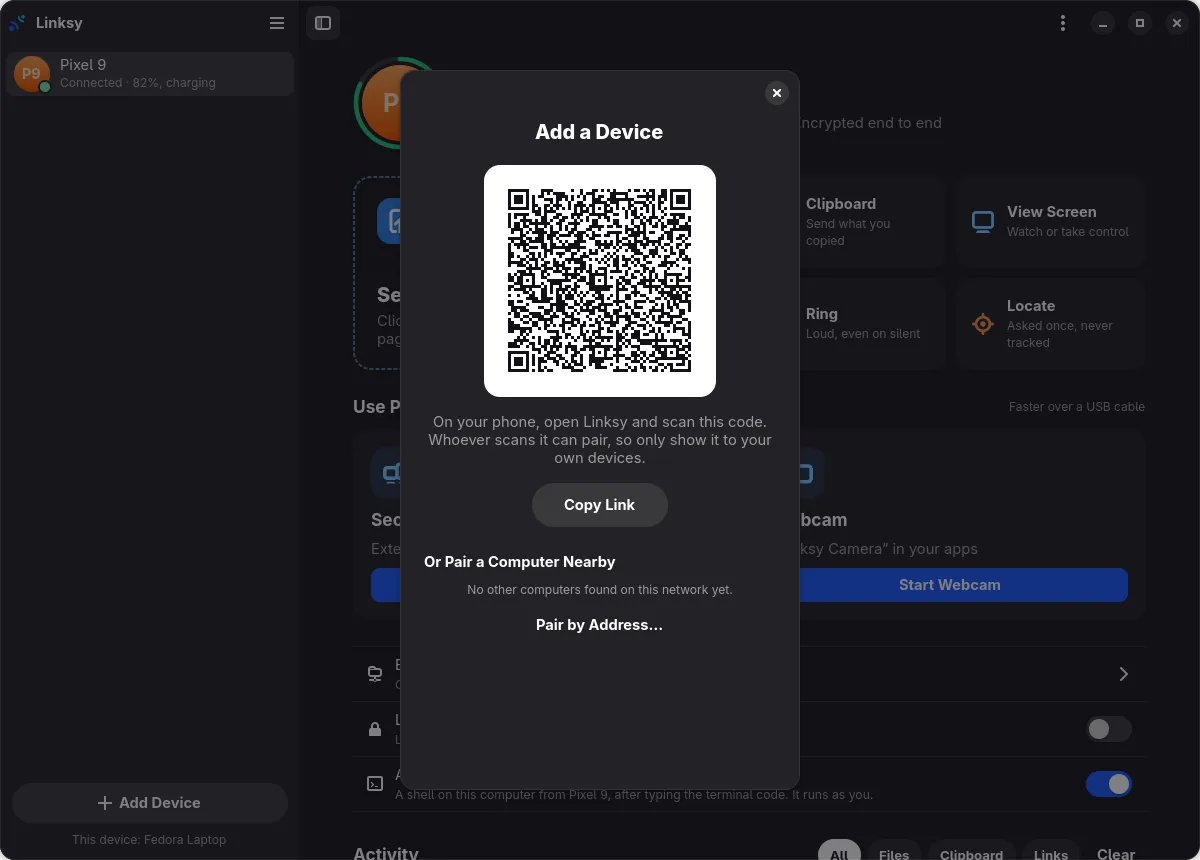
The same Linksy on your phone: no account, nothing in the cloud, straight to your computer over your Wi-Fi.
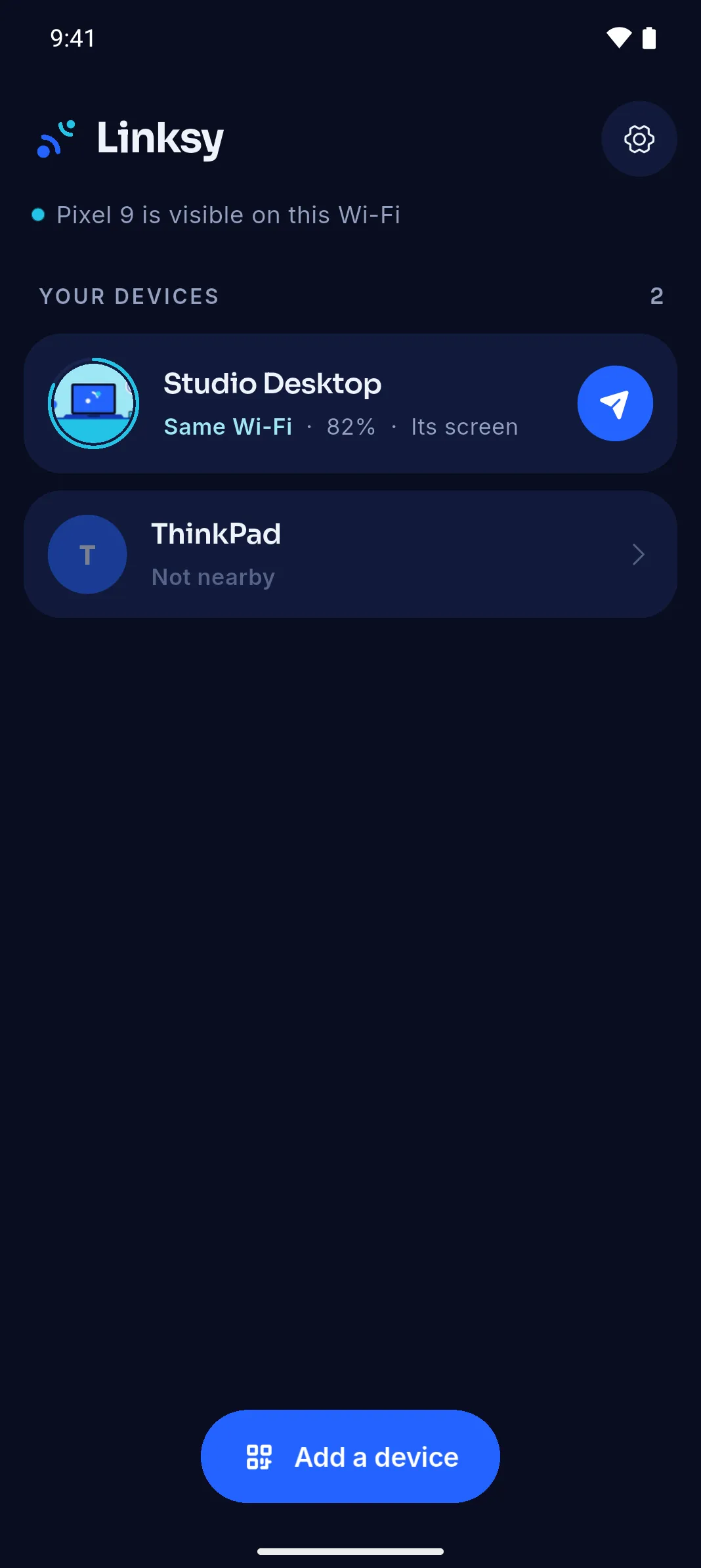
Your computers with their battery and how they're connected, one tap to send.
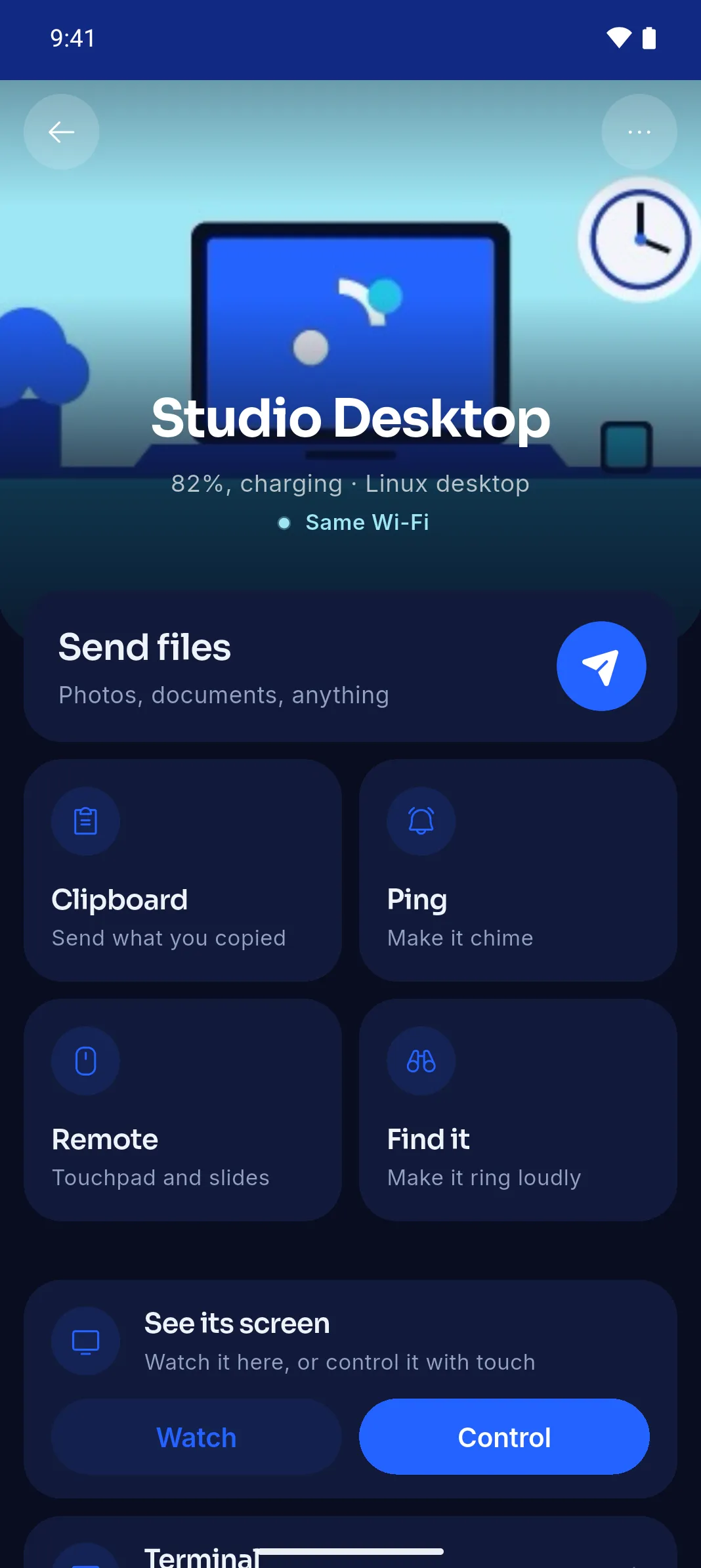
Send files, the clipboard, a ping; ring it, use it as a remote, watch its screen.
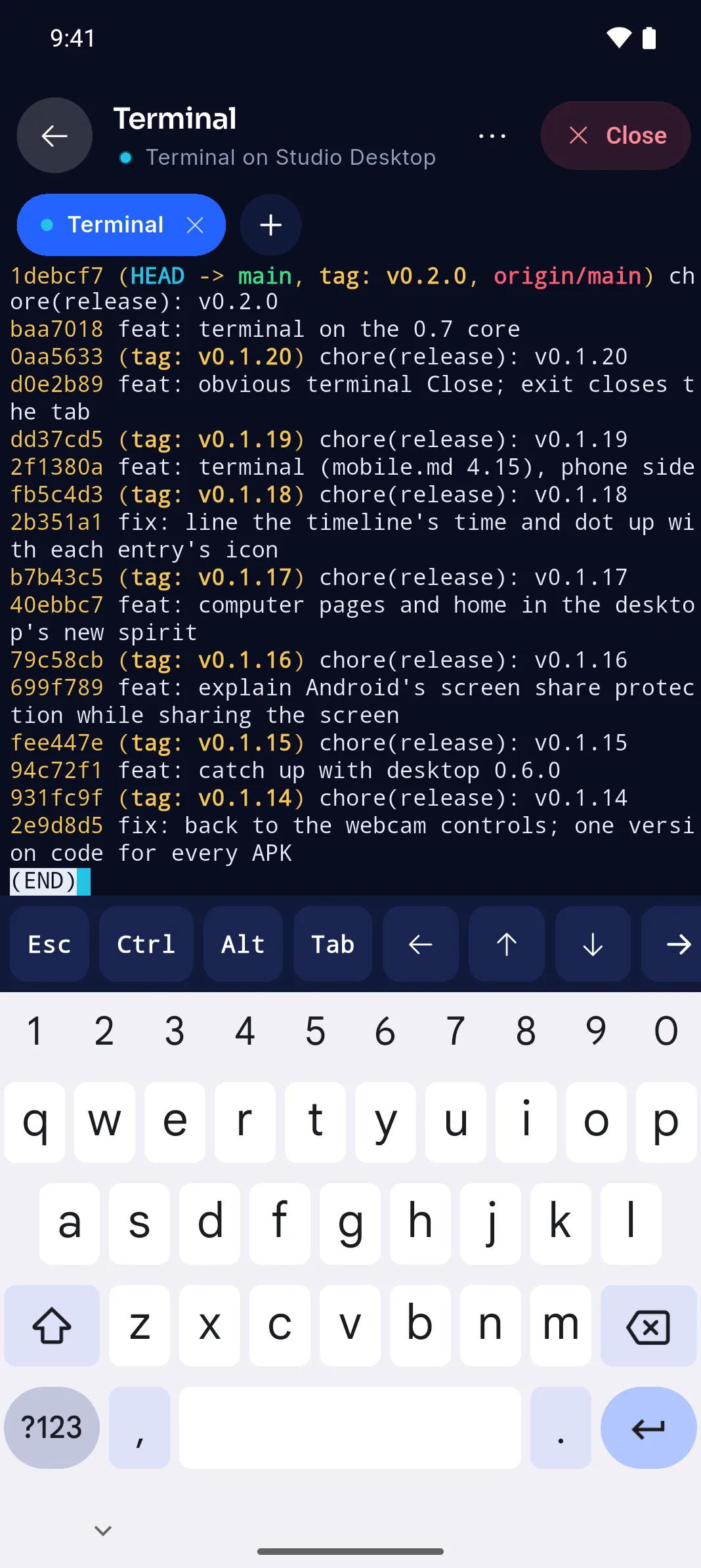
A real shell on the computer, behind a code only the computer knows. Esc, Ctrl and arrows on hand.
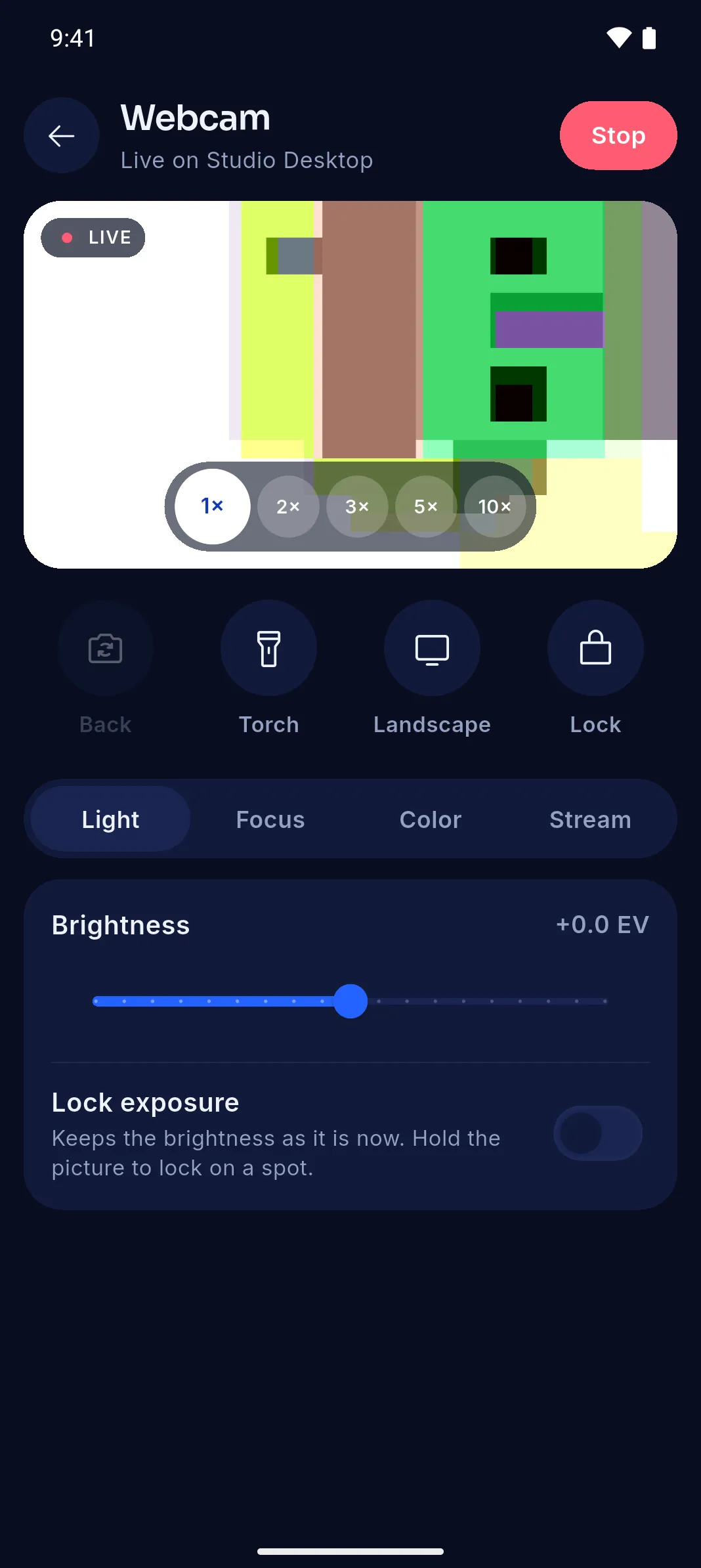
Zoom, torch, focus and light from the phone; the computer sees Linksy Camera.
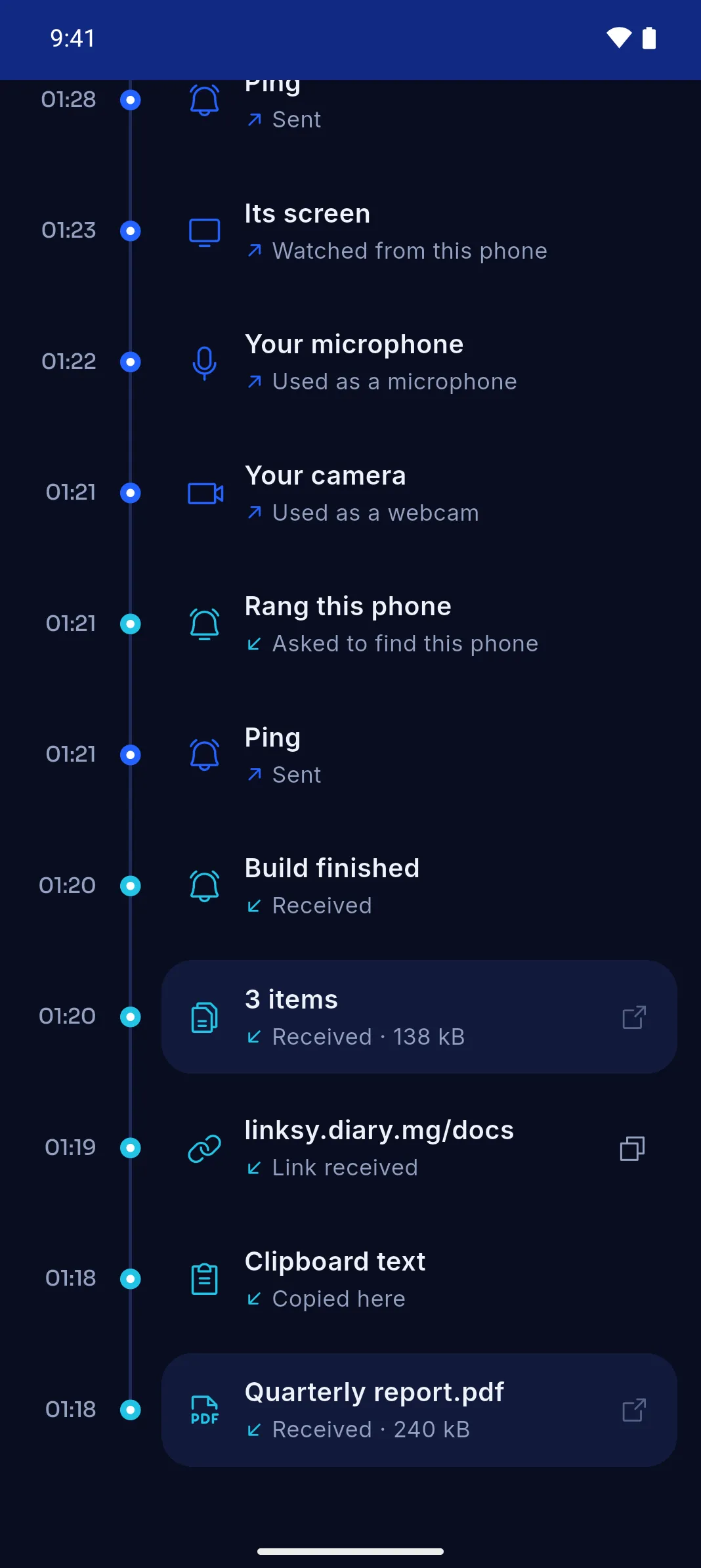
A timeline per computer, filtered by files, clipboard or links.
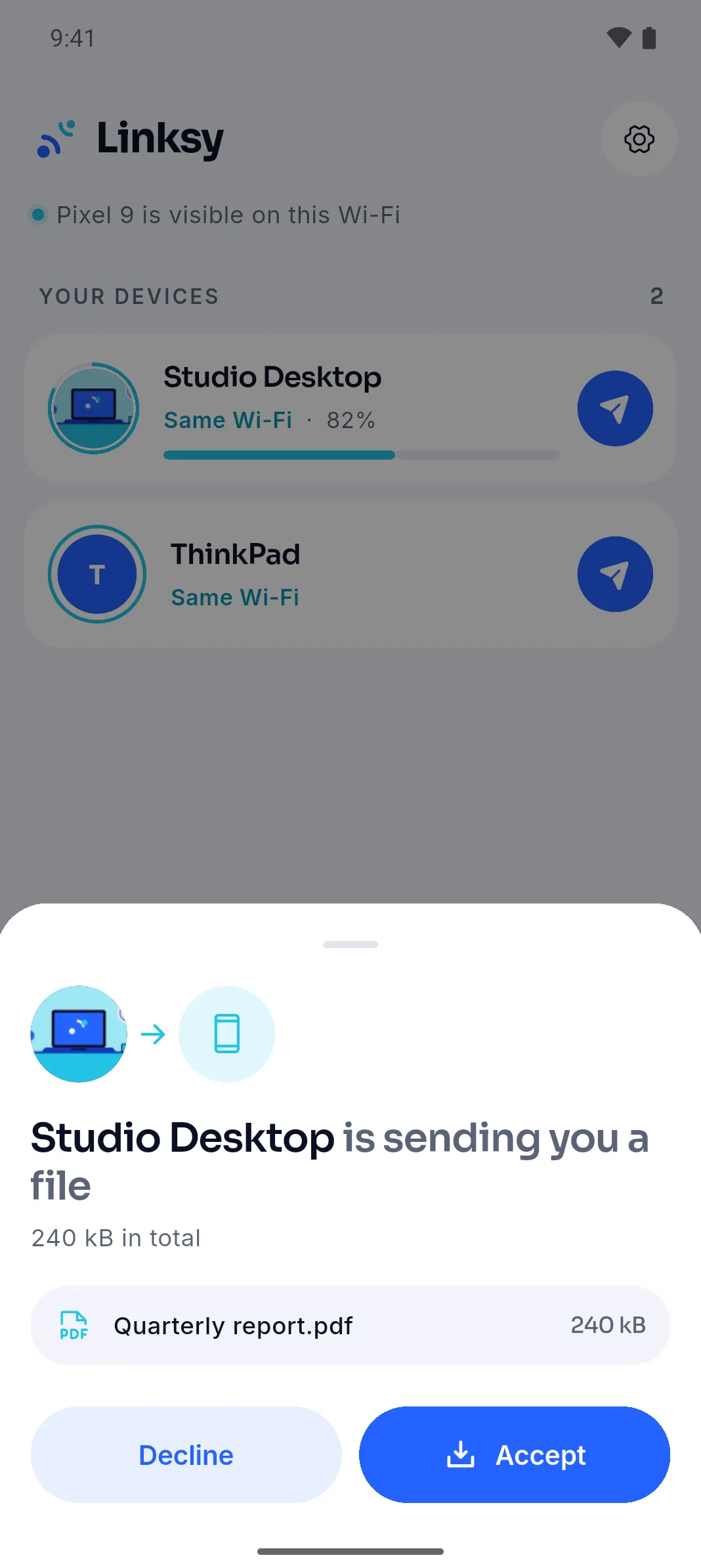
Accept or decline what a computer sends, even when the app is in the background.
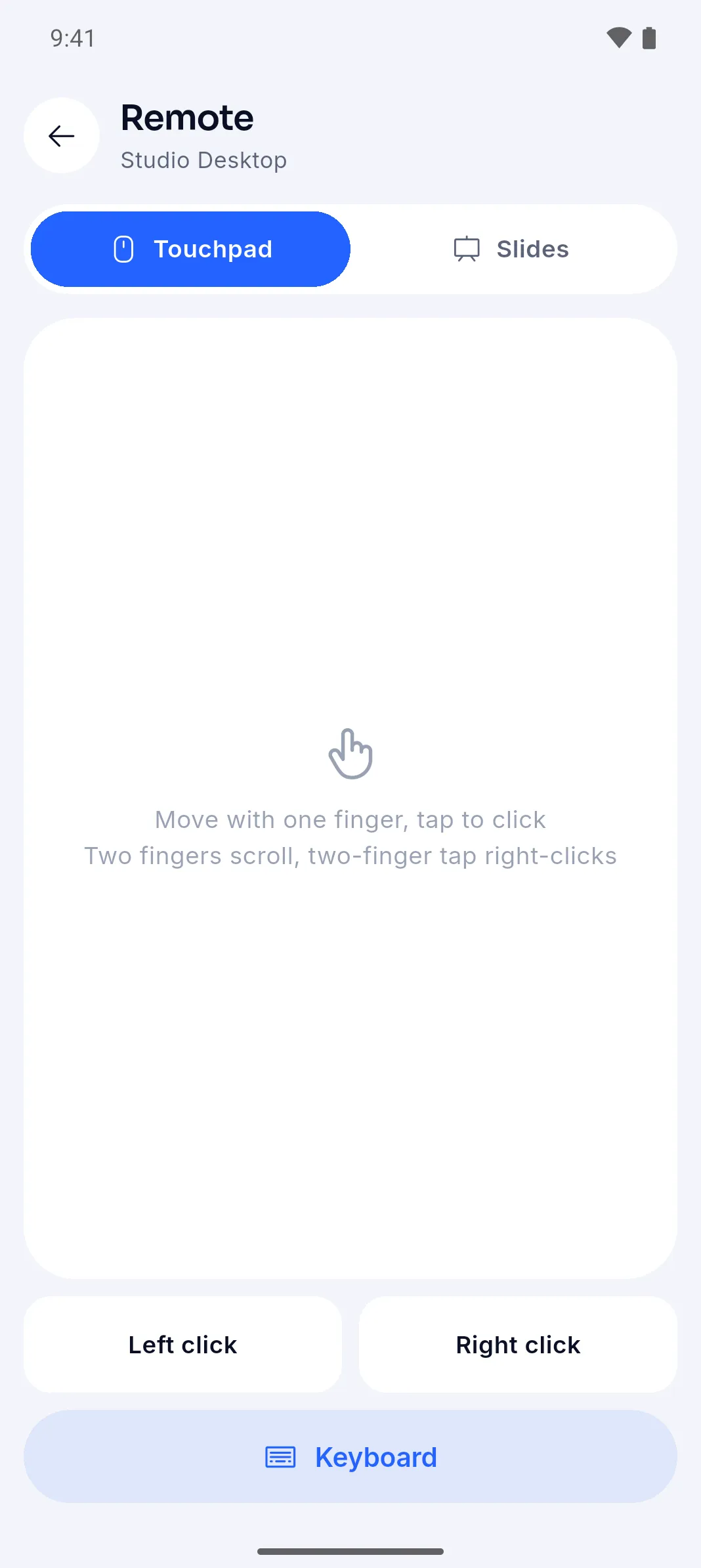
Move, click, scroll and type on the computer. Slides mode for talks.
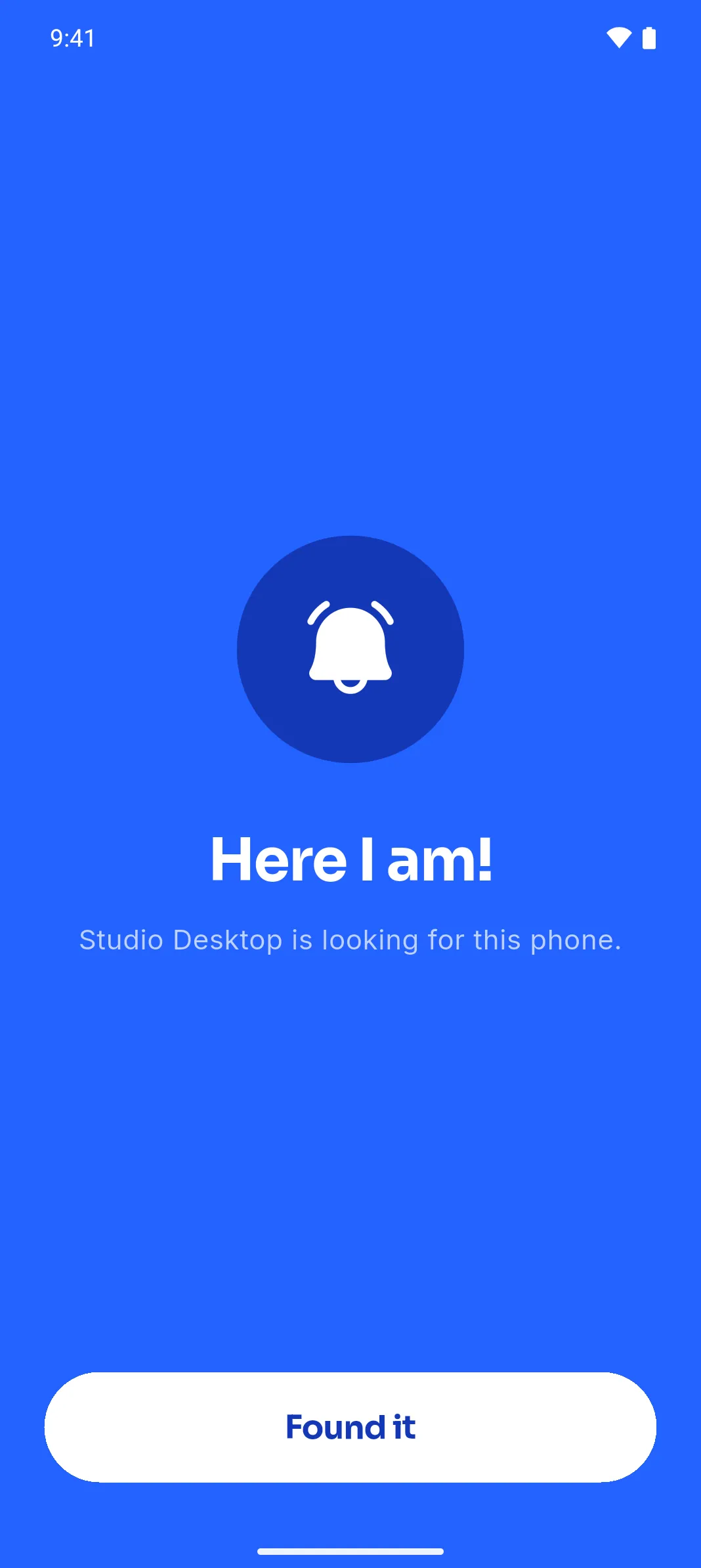
The computer makes it ring loudly, even on silent.
Video goes straight between the devices, encoded by your graphics card when it can, so it stays sharp and quick. Every time, the other side says yes first.
Watch another computer's or your phone's screen live, and take a computer's mouse and keyboard once it allows it.
A tablet or phone becomes an extra monitor. Drag windows onto it; touch works as the mouse.
Your phone's camera shows up as "Linksy Camera" in OBS, browsers and calls, at up to 60 frames per second, with its zoom, focus and torch on the computer.
Video Capture Device (PipeWire)
Your phone's camera, as a webcam in OBS. No driver, no app to install on the computer.
Drop files or whole folders on a device. Transfers resume if the Wi-Fi drops and are checked byte for byte.
Copy on one device, paste on the other: text, a screenshot or a file. Text is never written to disk.
Files, clipboard, links and Ring work over the internet too, end-to-end encrypted, for a week after your devices were together.
Two Linux computers on the same network pair the same way: files, the clipboard, each other's screen and keyboard, or one as the other's second display.
Run Claude Code, neovim or a build on your computer from your phone. Behind a code you set on the computer, allowed per phone, ended from either side.
Ask your phone where it is and see it on a map. It can say no, and nothing is kept.
Share a link from any phone app and it opens in your computer's browser.
New photos land in Pictures, sorted by month, without asking.
Play, pause and skip what the computer plays from your phone. Calls pause it for you.
A folder you pick on the phone shows up in Files and every app's file dialog, like a USB drive.
See your phone's battery, and make it ring loudly, even on silent, to find it.
Walk away with your phone and the computer locks itself. It never unlocks.
Your phone becomes a touchpad, a keyboard, or a slide clicker.
English, Deutsch, Español, Français, Italiano, 日本語, Malagasy, Português, Русский and 中文, on the phone and the computer alike.
Tap to make the other device show a notification. Small, surprisingly handy.
Watch another computer's or your phone's screen live, and take a computer's mouse and keyboard once it allows it.
A tablet or phone becomes an extra monitor. Drag windows onto it; touch works as the mouse.
Your phone's camera shows up as "Linksy Camera" in OBS, browsers and calls, at up to 60 frames per second, with its zoom, focus and torch on the computer.
0accounts
0trackers in the app
0bytes kept
No cloud keeps your things. Away from home, Linksy's relay only helps your devices find each other: it can't read what they share and stores none of it. Clipboard text is never even written to disk.
At home, over your own network, phone to computer. Away from home, still device to device when it can; otherwise through a relay that passes encrypted bytes and keeps nothing.
Every connection is QUIC with TLS 1.3, and each device checks the other's key, the one it trusted when you paired.
A device works with Linksy only after you pair it, by QR code or a six-digit code. From away, only for a week after you were last together.
Before anyone sees your screen, uses your camera or drives your mouse. Every time, not once.
Linksy for Linux on the computer, the Android app on the phone.
Add Device shows a QR code. Scan it with the phone, and they're paired.
They find each other whenever they're on the same Wi-Fi. Share away.
For x86_64 Linux with GTK 4.14 and libadwaita 1.6 or newer, and Android phones. Open Linksy once installed: it adds anything your system is missing. Coming to Flathub.
GNOME first, works on any desktop
Then, in the folder you saved it to:
flatpak install --user linksy-0.8.2.flatpak Sandboxed, updates with the rest of your Flatpak apps once Linksy is on Flathub.
The phone half of Linksy
Download the app, open it, and allow installing from your browser when Android asks.
Download the APKOther versionsNo. On the same Wi-Fi your devices talk to each other directly, even with the internet down. The internet only comes in away from home.
Once two devices have been on the same Wi-Fi, they can reach each other over the internet for a week, and each time they're together again renews it. They connect directly when the networks allow it, otherwise through Linksy's relay, which only passes encrypted bytes and keeps nothing. Screens, control, browsing files, the camera and the microphone stay on the same network unless you allow them for that device. It needs Linksy 0.6 on the computer and the latest Linksy for Android.
Yes. Any two devices with Linksy pair the same way, so two Linux computers on the same network can send files and the clipboard, see and control each other's screen, or use one as a second display for the other.
Usually not. If your system is missing something a feature needs, like a video codec, the webcam driver or a firewall rule, Linksy's Finish Setup opens the first time and adds it all in one go, asking for your password once.
In spirit, yes, and it covers the same everyday things. Linksy also mirrors and controls screens, turns a tablet into a second display and a phone into a webcam, and is built as one native GNOME app with a small background service.
Devices only connect when there's something to share, and drop the connection after a minute of quiet. Finding each other uses the network's normal discovery, re-checked every 45 seconds.
It's designed for GNOME and follows its look, but it runs on any desktop with GTK 4. Screen sharing, the second display and remote control use the desktop's portals, so they work wherever the desktop provides them, GNOME on Wayland first.
Not planned. Linksy is for Linux computers and Android phones, and tries to be the best at exactly that.
Yes, free to download and use. No ads, no account, no paid tier.
From the computer to the phone, yes, on KDE Plasma and wlroots desktops (Sway, Hyprland). GNOME doesn't let apps watch the clipboard, so there you press Send Clipboard. From the phone, share to Linksy.