Your Android phone as a webcam on Linux: a DroidCam alternative
Linksy turns your Android phone into a webcam for your Linux computer, like DroidCam does, and it's free and open source. The phone's camera appears as Linksy Camera in video calls, browsers and OBS, at up to 1080p and 60 frames per second. The same app also moves files, shares the clipboard and screens, and makes the phone a microphone.
How it works
- Install Linksy on the computer and the phone, and pair them once by scanning a QR code.
- On the computer, Finish Setup installs the camera driver Linux needs (v4l2loopback) and makes the Linksy Camera device.
- On the phone's page, choose Start Webcam. Any app that lists cameras now lists Linksy Camera.
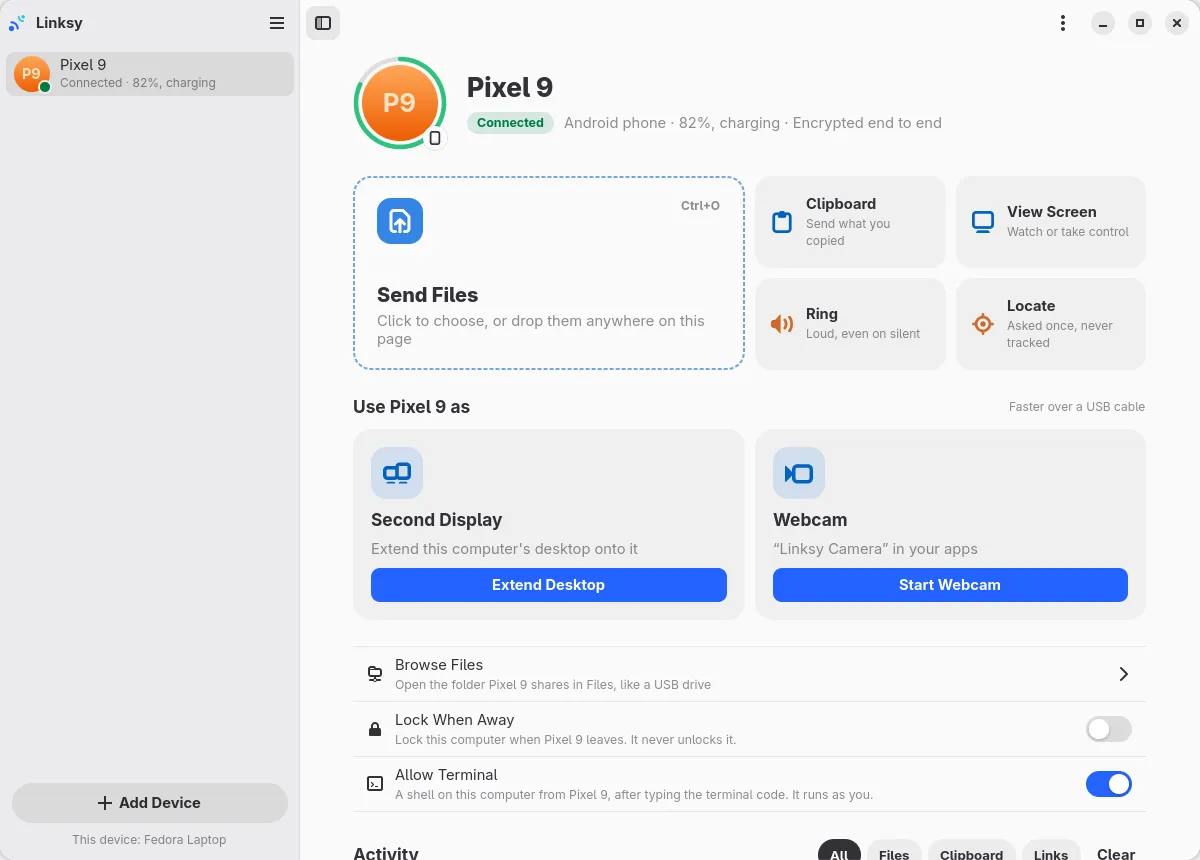
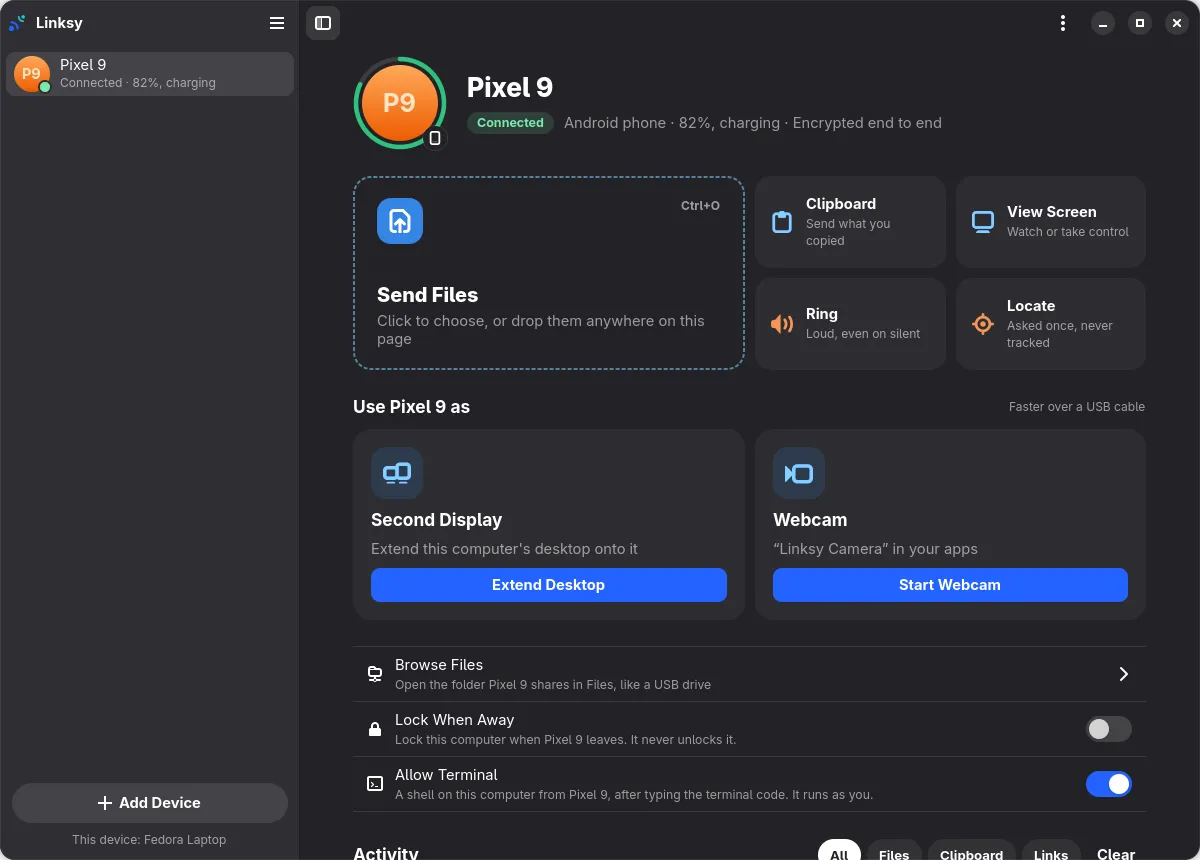
Video travels straight between the phone and the computer over your Wi‑Fi, and never through a server. The computer controls the phone's zoom, focus, exposure and torch, and switches between the front and back cameras.
Linksy and DroidCam side by side
| Linksy | DroidCam | |
|---|---|---|
| Phone as a webcam on Linux | Yes | Yes |
| Quality | Up to 1080p at 60 fps, free | Higher quality is part of a paid upgrade |
| Camera controls from the computer | Zoom, focus, exposure, torch, lens | Some |
| Phone as a microphone | Yes | Yes |
| Over Wi‑Fi or USB | Wi‑Fi; USB is coming | Both |
| Files, clipboard, screens, second display | Yes, in the same app | No |
| Open source | Yes, AGPL | The Linux client is; the phone app isn't |
| Windows, macOS, iPhone | No | Yes |
Step by step: the phone in OBS Studio, and in Meet, Zoom and Discord.
DroidCam's options and prices change; see its site for the current details.
Why pick Linksy for a webcam
- No upgrade to unlock quality. 1080p and 60 fps are free, as is everything else in Linksy.
- One app, not one per job. The app that's your webcam also sends files, shares the clipboard, shows screens and turns a tablet into a second display.
- Made for Linux. Finish Setup installs the driver and checks the rest for your distribution, Fedora, Ubuntu, Debian, Arch or openSUSE, asking for your password once.
- Open source. Both the camera's path and the app that runs it can be read and checked.
Where DroidCam is ahead
DroidCam also works on Windows and macOS, and with an iPhone. Linksy is for Linux computers and Android phones only. DroidCam has also been a webcam app for many years, while Linksy's webcam is newer.