KDE Connect, DroidCam and AudioRelay in one app, for Linux
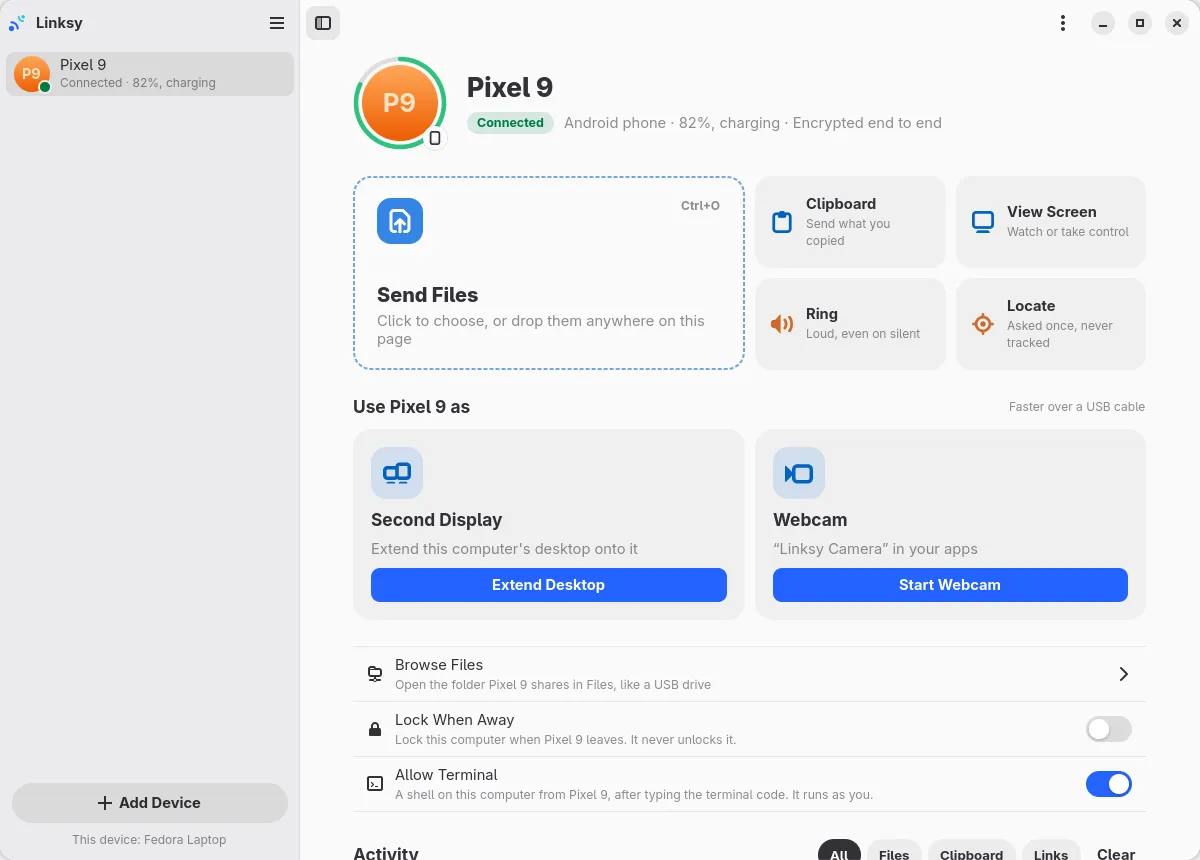
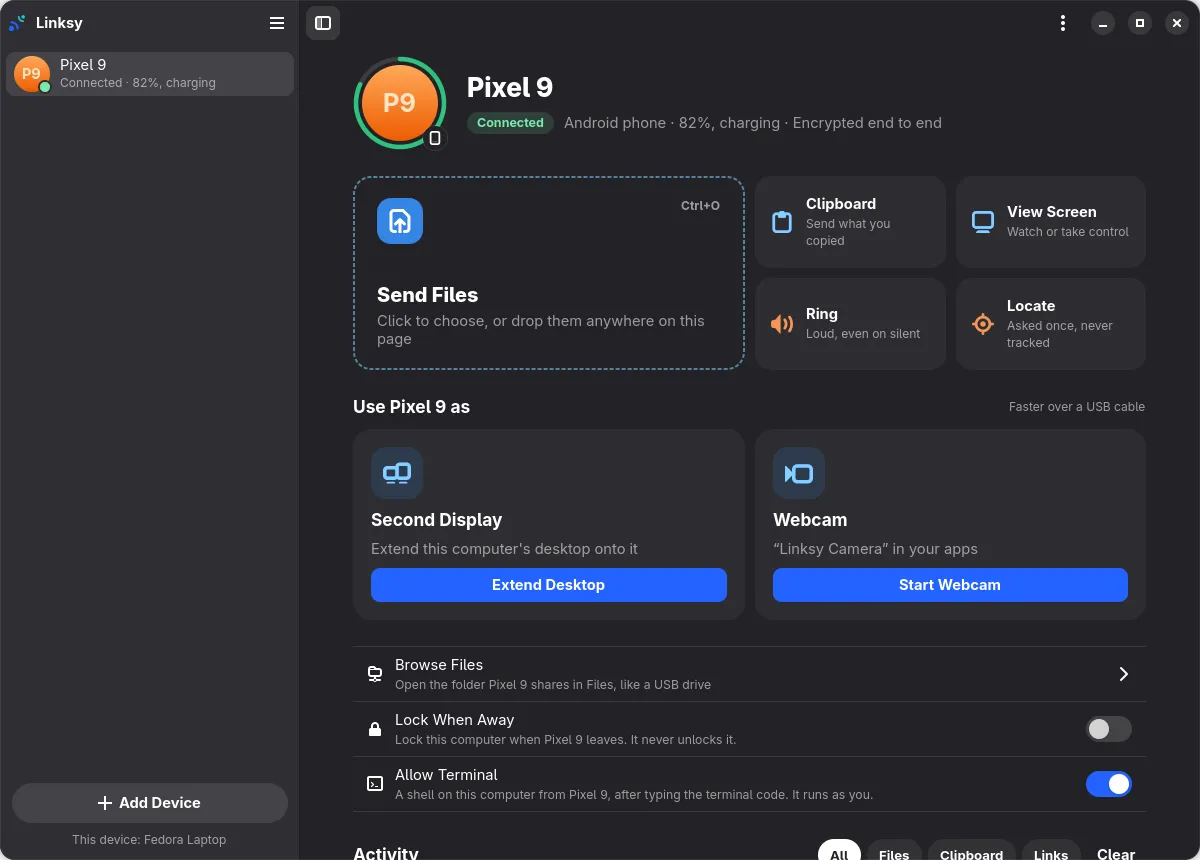
On Linux, getting the most out of an Android phone used to take three apps: KDE Connect or GSConnect for files and the clipboard, DroidCam for the webcam, and AudioRelay for the microphone. Linksy does all three jobs in one free, open-source app, and adds screens, a second display and a terminal. There's one pairing, one background service and no account.
What each app is for, and what Linksy covers
| You want to | Usually with | With Linksy |
|---|---|---|
| Send files, share the clipboard, ring the phone | KDE Connect, GSConnect | Yes |
| Use the phone as a touchpad or slide clicker | KDE Connect, GSConnect | Yes |
| Use the phone as a webcam | DroidCam | Yes, up to 1080p at 60 fps |
| Use the phone as a microphone | AudioRelay, DroidCam | Yes |
| Watch and control the computer from the phone | A VNC or remote desktop app | Yes |
| See the phone's screen on the computer | scrcpy | Yes, without a cable or developer mode |
| Use a tablet as a second display | A separate display app | Yes |
| Reach your devices away from home | A VPN | Yes, built in |
| Phone notifications and texts on the computer | KDE Connect, GSConnect | Not yet |
| Hear the computer's sound on the phone | AudioRelay | No |
Why one app is better than three
- Pair once. One QR code, and the phone is your clipboard, webcam, microphone, touchpad and second screen.
- One thing running. A single small background service instead of three apps, each with its own connection.
- One set of permissions. Each device asks before its screen, camera or microphone is used, every time, in the same way.
- Free throughout. No feature sits behind an upgrade, and the code is open under the AGPL.
Not limited to one phone
Pair as many phones, tablets and Linux computers as you like. Each pairs once on the same network, where they exchange keys; after that every device can reach every other, at home and, for a week after they last met, away from home too.
Where the others are still the right choice
If you need your phone's notifications and texts on the computer, KDE Connect and GSConnect do that today and Linksy doesn't yet. If you want the computer's sound on the phone, that's AudioRelay. And if you use Windows, macOS or an iPhone, all three cover platforms Linksy doesn't.