Read and answer WhatsApp, Telegram and Signal messages on Linux
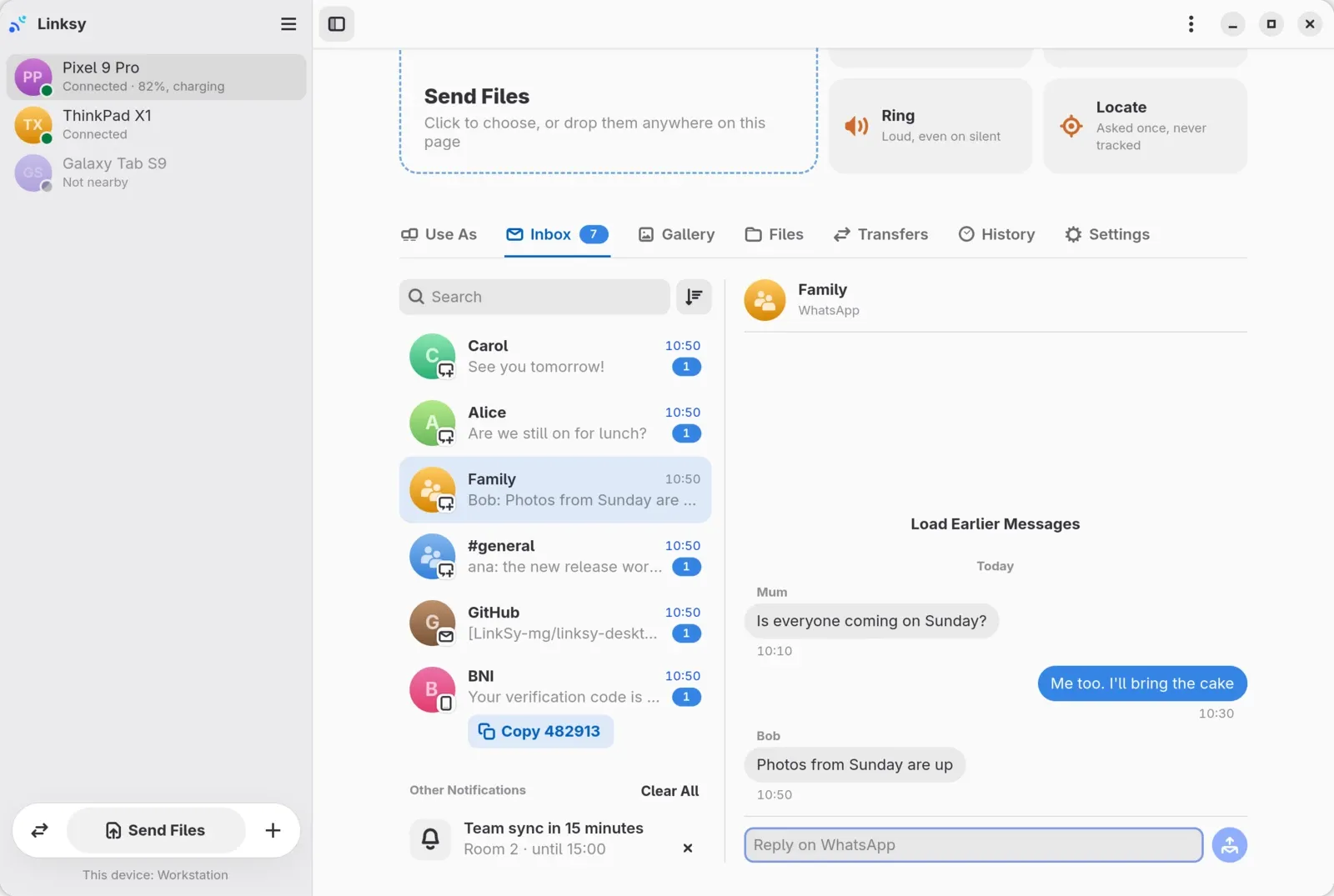
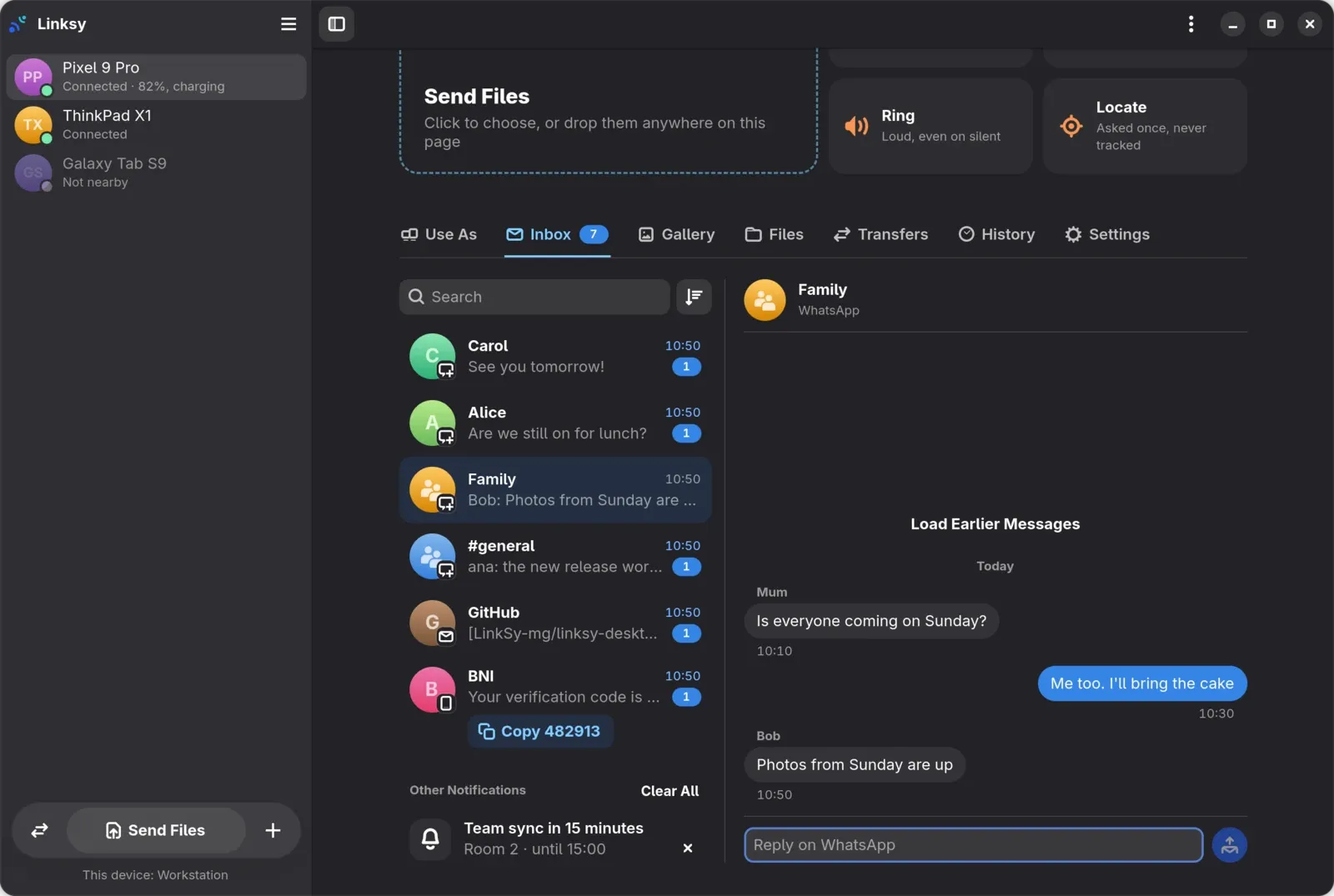
Linksy's Inbox brings your Android phone's chats, texts and mail to your Linux computer: WhatsApp, Telegram, Signal, Messenger, Discord, Slack, the SMS app, Gmail, Outlook and others. It's made from the phone's notifications, so you answer from the computer whenever the app lets its notification be answered. Codes that arrive in messages go straight to the clipboard, and nothing is kept on disk.
How does it work?
When a message arrives, the app on your phone shows a notification. Linksy on the phone reads it, with the notification access you give it, and sends it to your computer, which sorts it into conversations: each with its picture, its newest message and the app it came from, and in group chats, who wrote what.
Messaging apps put a reply field in their notifications. When you answer from the computer, Linksy answers through that field on the phone, so WhatsApp or Signal sends your reply itself, as if you'd typed it in the notification. There's no SMS permission, no account with any of these apps and no cloud in between.
How do I set it up?
- Install Linksy on the computer and the Android app on the phone, and pair them by scanning the QR code in Add Device.
- On the phone, give Linksy notification access when it asks.
- On the computer, open the phone's page and its Inbox tab. Messages show up there as they arrive, and the tab shows how many you haven't read.
Is the switch greyed out? Android 13 and newer do that for apps installed from a browser. Open Linksy's App info on the phone, tap ⋮, choose Allow restricted settings, and turn on notification access again.
How do I answer a message?
Pick the conversation and type in the field at the bottom, which says which app the reply goes through: "Reply on WhatsApp", for instance. Your reply goes back through the phone, and it still works for a day after the notification is gone from the phone.
- Only where the app allows it. Most messaging apps let their notifications be answered; when one doesn't, you can read its messages on the computer but not answer them there.
- Answers, not new conversations. Linksy answers a message you received. It can't write to someone first, or start a new text.
Verification codes, copied for you
When a message brings a code, from your bank or a sign-in, Linksy copies it to the computer's clipboard, and its notification says so and has a Copy button. In the Inbox, the message has a Copy button too. If you'd rather copy codes yourself, turn off Copy Codes Automatically in Preferences.
One limit: Android 15 and newer hide some codes from apps like Linksy, so the notification it receives doesn't contain them. Those codes can't be copied; read them on the phone.
Can I see earlier messages?
Yes: Load Earlier Messages at the top of a conversation loads earlier messages from the phone, with Linksy for Android 0.3.3 or newer. Android lets no app read another app's messages, so these are the ones Linksy saw in notifications since you gave it access, not your whole WhatsApp history.
Mail and other notifications
Mail from Gmail, Outlook and other apps shows its subject. The phone's other notifications, a reminder or a delivery, sit under Other Notifications, open in full beside the list, and go with Clear All. Search and sorting help when the list gets long.
Is anything kept?
Not on disk. The Inbox is kept in memory on the computer while Linksy runs, and nothing is kept on a server. The messages go from your phone to your computer, encrypted end to end, as everything in Linksy does.
Does it work in the KDE Plasma app?
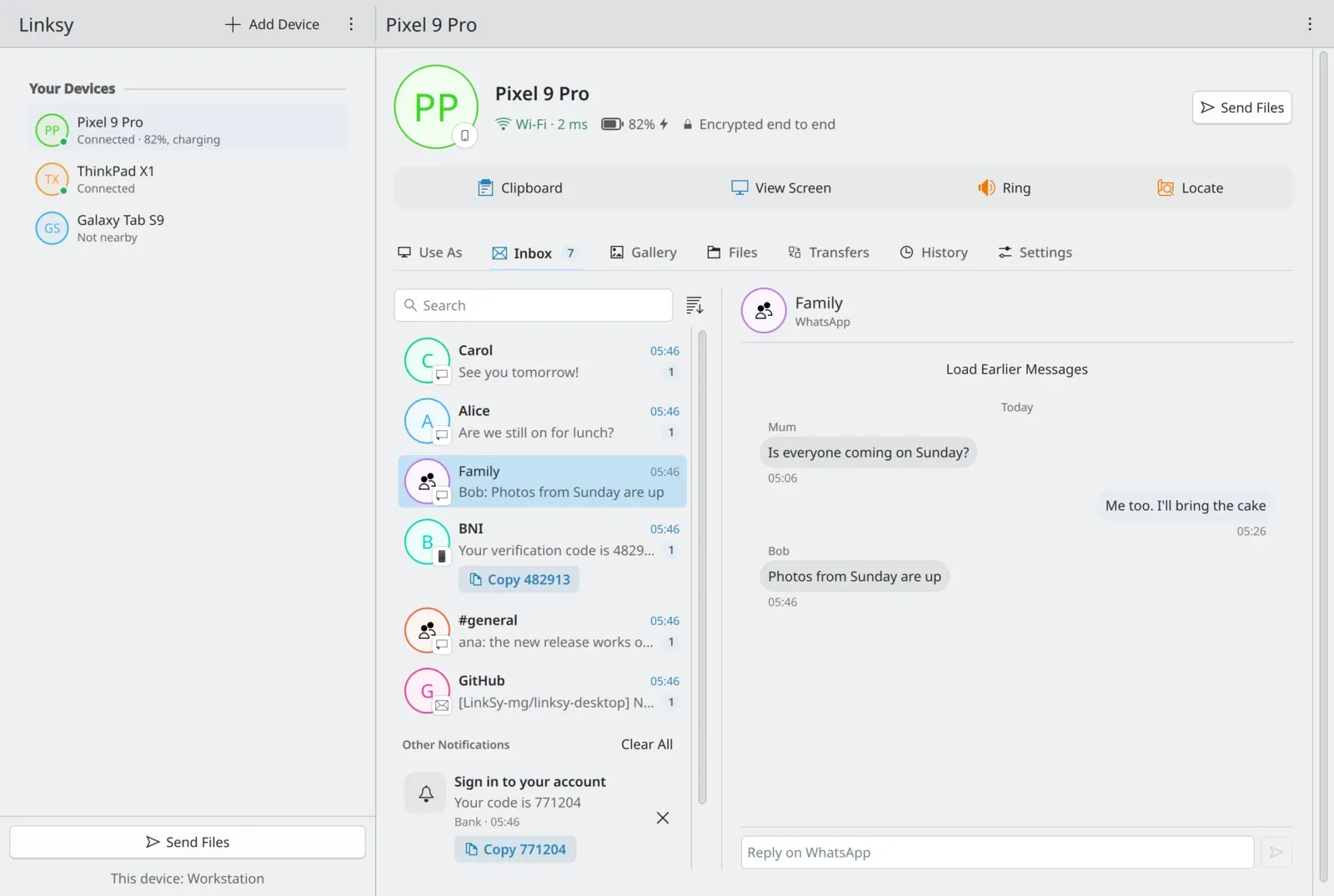
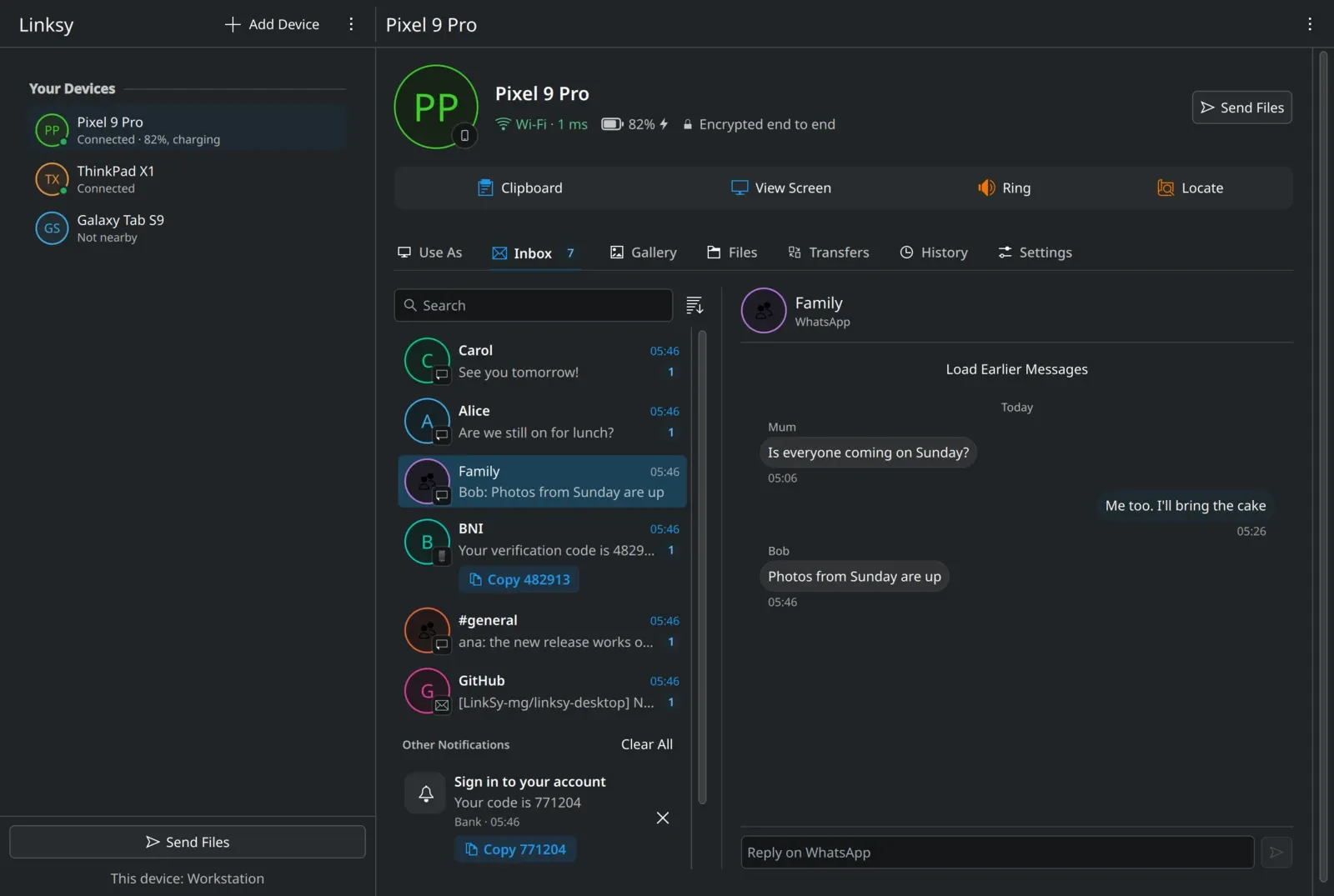
Yes. The Inbox is in both of Linksy's apps: the GTK one for GNOME and most desktops, and the Qt one made for KDE Plasma, light and Breeze Dark.
Can I use it from a terminal?
Yes: linksy inbox lists the conversations, linksy inbox <id> shows one, and linksy reply <id> <text> answers it.
What are the limits?
- Answers only where the app's notification can be answered.
- No new conversations or texts written from the computer.
- Earlier messages are only those Linksy has seen since you gave it notification access.
- Android 15 and newer hide some codes from apps, and those aren't copied.
- A message that doesn't show a notification, in a muted chat for example, doesn't reach Linksy either.
- Android phones and Linux computers only.
What else does Linksy do?
The Inbox is one tab of a phone's page. Next to it are its Gallery, its files and its transfers, and the phone can also be a deck of buttons for the computer, a webcam, a microphone or a second display. See what's new in Linksy 0.12, or how Linksy compares with KDE Connect.